
The Personal Brain
Stop paying the re-explanation tax. Build your brain v1 in plain files you own, install the capture habit that keeps it alive, plug it into every tool you use, and know exactly when the full install is worth it.

Part of the five-course core Track · certificate on completion
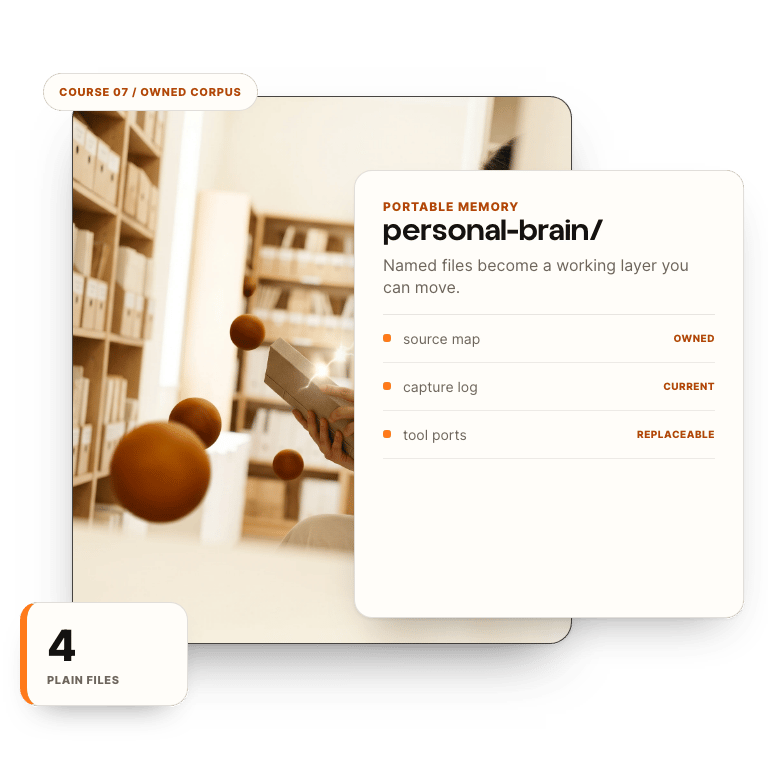
You leave holding work.
- Build your brain v1 as a four-file corpus in plain text, in a folder you own
- Write a voice doc assembled from your five best real artifacts
- Install capture-at-proof and a ten-minute weekly tend, both on the calendar
- Plug the brain into every AI surface you use, and read the honest markers for when the full install is worth it
- Context corpus
- Voice docs
- Capture habit
- Tool portability
There are 4 modules in this course.
4 modules · each ends in a worksheet your answers save to · Last verified 2026-06-17 against Claude (Opus 4.x / Sonnet 4.x), ChatGPT (GPT-5 tier), and the MCP connector spec current as of that date.
07.1Stop Starting From Zero (4)
This is the Ownership course. You already measured the re-teaching tax and built pieces of the corpus in Courses 1–4 — here you do not re-earn those gates, you assemble them into one shipped system. Module 1 re-anchors the single number the whole build pays back: the hours-per-week you lose re-explaining context. If you're arriving from the audit, paste your existing leverage map; if it's gone stale, the LEVERAGE-MAP prompt rebuilds it from last week's actual sent emails and docs in about six minutes. The output is your build order — the five things the brain holds first, ranked by hours returned. Worked example, FULL install shown: you watch Dana — founder of a 4-person brand & marketing studio that runs client creative plus ops — run every step start to finish in this module, because you're a novice at this shape and your working memory matters more than our coverage. Dana arrives with the leverage map she cleared in the audit: her #1 line is re-explaining each retainer client's brand voice and approved tone to the AI every time her team drafts a caption or email — roughly 12 min per occurrence, ~8 times a week. Later modules strip the front steps one at a time until you're building unaided.
- Carry forward your ranked top-5 context-reload map from the prior course (or rebuild it in 6 minutes from last week's real work), each line tagged minutes-per-occurrence × weekly frequency.
- Direct an AI to draft your first reusable context block from your real files, then redline at least two lines that are wrong or generic — you direct and evaluate, you do not accept the draft.
Do thisPaste your existing top-5 leverage map (or run the LEVERAGE-MAP prompt on last week's real emails/docs to rebuild it), confirm every line is specific to your business with minutes × frequency, then direct an AI to draft one reusable context block from your real files and redline two lines. Keep the map — Module 4 measures hours-saved against it.
07.2Build the Corpus (4)
A pile of files is not a brain; a brain is files shaped so a model retrieves the right thing. Take the #1 workflow from your map and pull four layers from its real source material: hard facts, your voice, decisions you've already made (so the brain doesn't re-litigate them), and reference exemplars. The corpus has to be LIVE behind a real gate and answer a real query correctly — a pretty demo that dies when the course ends is the exact failure this whole course exists to prevent. You direct the AI to find its own gaps, then add the two missing pieces it surfaces. Iterate, don't one-shot. Worked example continues: Dana feeds the studio's real source files for her #1 workflow — each retainer client's approved brand-voice guide, the last month of sent client captions and emails, and her two 'do it like this' exemplar posts — and CORPUS-EXTRACT pulls the four layers. FACTS = each client's banned words and tone rules; VOICE = quoted lines from posts the client actually approved; DECISIONS = 'we stopped using exclamation points for this account in March'; REFERENCES = the two exemplar posts.
- Extract a four-layer corpus (facts, voice, decisions, references) from your #1 workflow's real source files, every item attributed to the file it came from.
- Deploy the corpus behind a private gate, log the BEFORE-state time for that workflow, and confirm one real query returns a correct, sourced answer from your own material.
Do thisRun CORPUS-EXTRACT over your #1 workflow's real files to draft the four layers, deploy it behind a gate, log the BEFORE time (minutes × frequency), then run one real query and confirm the answer cites your own files.
07.3The Capture Habit (3)
A brain that stops growing the day it's built is a snapshot, not a brain. The gap most operators hit isn't building the corpus — it's keeping it current when the week gets loud. This module turns capture into documented, repeatable moves instead of willpower. You write five real SOPs against your own recurring inputs in a format an agent or a teammate could run without you in the room. Five is the floor because one or two won't survive a busy Thursday. Generic capture rules don't count — these are SOPs for YOUR inputs, with your edge cases, tested on your material. Worked example continues: Dana writes the FIRST SOP fully — 'capture an approved client caption into the brain' (TRIGGER: client replies 'approved' on a draft; INPUT: the final caption text + client name; OUTPUT: a new VOICE-layer entry tagged to that client). Because she runs a 4-person studio, the point of the SOP is that any of her three teammates can feed the brain without her — so the corpus grows from the whole team's approved work, not just hers.
- Document at least five capture moves as SOPs — each with trigger, input format, output format, one edge case + recovery, and a recorded test result against your real material.
- Wire one low-friction capture surface (text, shortcut, or form) that drops new material into the corpus without you opening a tool, and redline each SOP where the AI's output missed.
Do thisFor your five most recurring inputs (meeting notes, client replies, decisions, research, drafts), write each as an SOP with the CAPTURE-SOP template, wire one capture surface, run each SOP once on real input, and record what came back.
07.4Plug It In Everywhere (4)
A brain you have to remember to open is half a brain. Building it in MCP shape means it shows up everywhere you already work — and an automation can hit it without you. This module makes the brain ambient: connected to your real tools, feeding one workflow that runs unattended, with receipts. You direct and evaluate the autonomous runs; you don't watch them. Then you close the loop the whole track was built for — measure the hours you got back against Module 1's number, screen-record one real run, and write down who owns the task now. The deliverable is the proof, and the proof is the business outcome. This is the Ownership gate; what you ship here IS the track capstone (you don't rebuild it later). The worked example here becomes your OWN deployed system — but you've watched Dana's whole arc to this point: her studio's brain, now connected over MCP, drafts each retainer client's weekly caption batch in the approved voice on a Monday trigger, unattended, so what used to cost her team ~96 min/week of re-explaining brand voice collapses to a review pass.
- Connect the corpus over MCP to every AI tool you actually work in and confirm each returns a sourced answer from your own brain.
- Stand up one trigger-based automation that queries the brain and acts without you (timestamped proof of 3+ autonomous runs + a short screen recording), then produce the before/after hours-saved log and the accountability-transfer note.
Do thisConnect the brain over MCP to your daily tools, wire one automation that runs unattended, capture timestamps for three clean autonomous runs, screen-record one handling a real task, and fill the before/after hours-saved log + accountability-transfer note. Submit the full bundle to the Ownership gate.

Michael Sebastian
I install AI for operators. The Lab is where the method is taught, and where my clients onboard. This course is that method.
More about me →

The Install Track
Start with the free course — this one unlocks on the way.
This course is $397 on its own, or part of the Install Track. Course 06 unlocks it — each course feeds the next its raw material.
Already enrolled? enter the Lab directly.
FAQs
Do I need a technical background?
No. The track is written for operators, not engineers. If you run a business or a role and you’re honest about where you actually are, you have the prerequisites.
How long does this course take?
Lessons are short on purpose — one idea per screen. Most people finish a course in two or three sittings. The worksheets take longer, because they’re real work on your real business. That’s the point.
What does the $497 option add?
Our eyes on your audit. $497 is the Working Intelligence Audit course plus our written review — we read your submissions and send a one-page response: what your scores say, and what to install first. It’s the bridge between self-serve and working with us directly.
Can't find what you're looking for? Talk with us